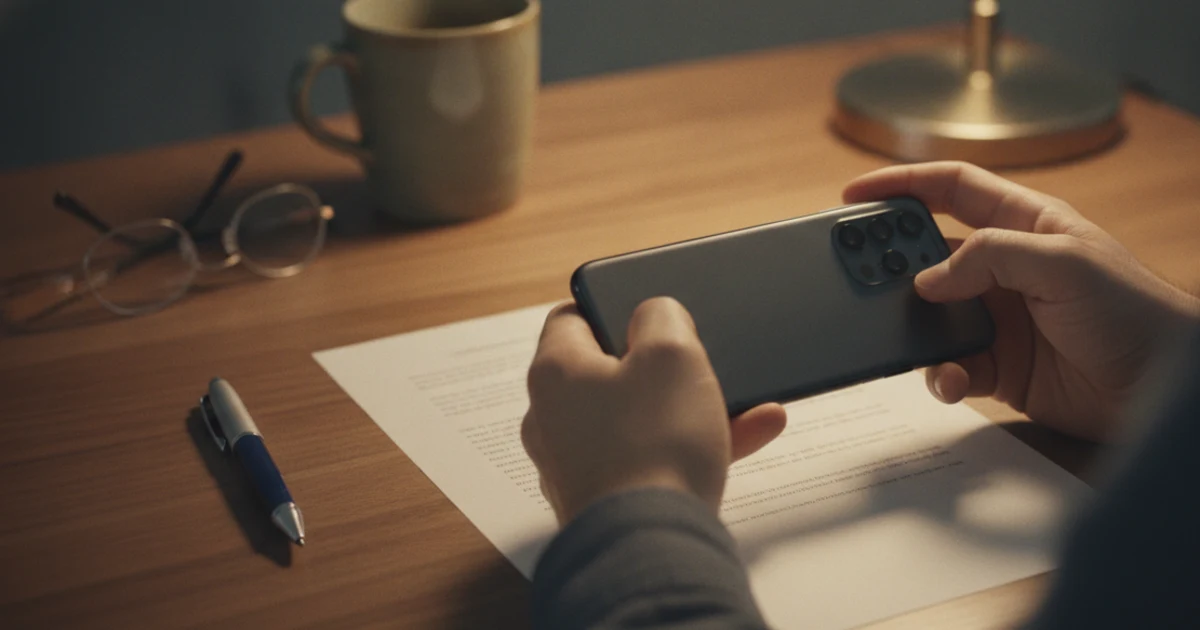
8 min read iPhone
iPhone Scanner to PDF: How to Scan Paper in Notes or Files
Use the iPhone scanner to PDF any paper page: exact steps in Files, Notes and Preview, how edges and filters work, and where the PDF is saved.
Step-by-step guides to scanning and PDFs on iPhone and Android, from the Scanpaper team.
Use the iPhone scanner to PDF any paper page: exact steps in Files, Notes and Preview, how edges and filters work, and where the PDF is saved.
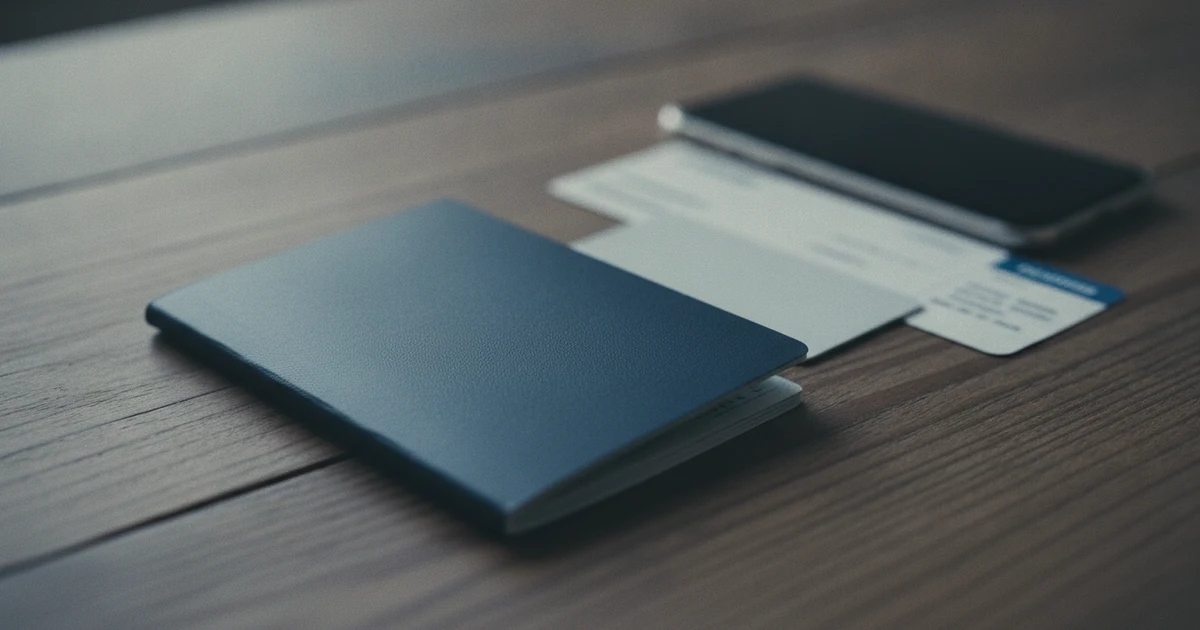
How to scan a passport on iPhone for free, put both sides of an ID card on one page, keep the copy legible for forms, and delete copies you don't need.

How to convert a photo to PDF on iPhone with Files, Print, Preview, Shortcuts or an app, plus several photos in one PDF, page order and file size.
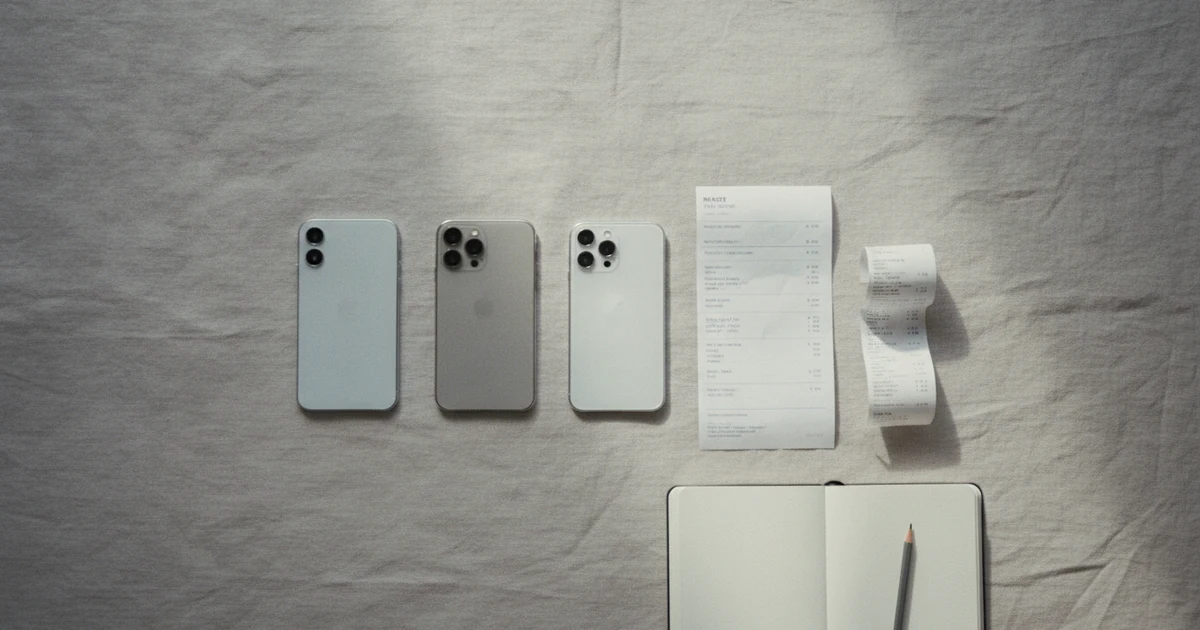
The best PDF scanner app for iPhone depends on the job. 7 options compared from their live App Store listings, plus the free scanner already in Notes.
How to save a photo as a PDF on iPhone from the Photos app: the Print trick, Preview on iOS 26, Files and Books, where the PDF lands and how to rename it.
How to scan multiple pages into one PDF on iPhone: batch capture, fix the page order, add a page you missed, combine two scans and keep the file small.
Scanpaper finds the page edges, straightens it and saves a clean PDF. Search the text inside, sign, and share. No account, nothing uploaded.